
pvvPlaginDoughnutImg
Plugin for displaying images in a ring chart.
The plugin is not stable
|
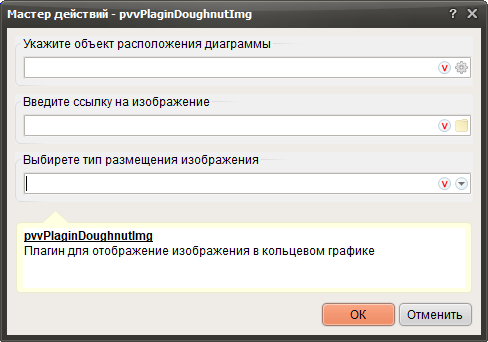
1. Click  and specify the container in which the chart will be created.
2. Click and select an image or enter the image name yourself.
and specify the container in which the chart will be created.2. Click
and select an image or enter the image name yourself.The image must be located in the project folder or must be accessible on the network via a URL address.
|
3. Выберете тип размещения изображения.
- Масштабировать
- Вместить
- Растянуть